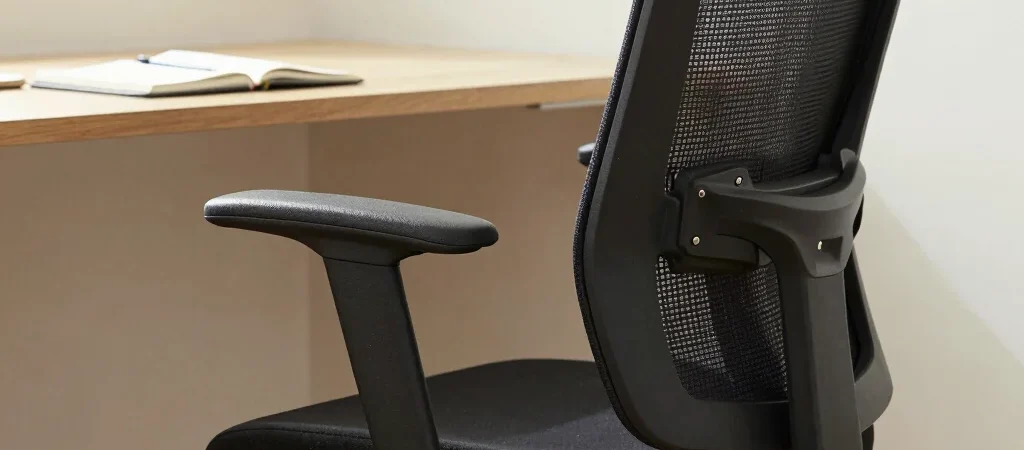
The first sign of a poor chair fit may be a shoulder held slightly too high because the armrests do not clear the desk. That is why an ergonomic chair comparison should begin with your body and workspace, not with the number of adjustment controls. Measure the desk and check the chair’s dimensions before deciding that more features mean a better fit.
Measure the working position
With your feet supported, your elbows should rest comfortably near desk height rather than reaching up to the keyboard. Compare seat-height range, seat depth and armrest adjustment, and check whether the armrests can move low enough to slide under your desk. If the chair will be shared by people of different heights, a wider adjustment range is more practical than a fixed feature that suits only one person.
Choose support you can use
A lumbar feature is only useful if it meets your lower back in a comfortable position; a fixed curve may fit one person and press awkwardly against another. Mesh can feel more breathable in a warm room, while a cushioned seat may feel softer at first, but neither material is automatically right for every household. Look for clear information about seat dimensions, adjustment range and replacement parts rather than relying on a generic promise of all-day comfort.
Check the purchase beyond fit
Before choosing, check the return terms, warranty coverage and whether service or parts are accessible in your city. Those details matter when a chair is difficult to assemble or an adjustment mechanism needs attention after months of daily use. MediaWhizz Smart may earn a commission from affiliate links; commissions do not decide which trade-offs we highlight.